
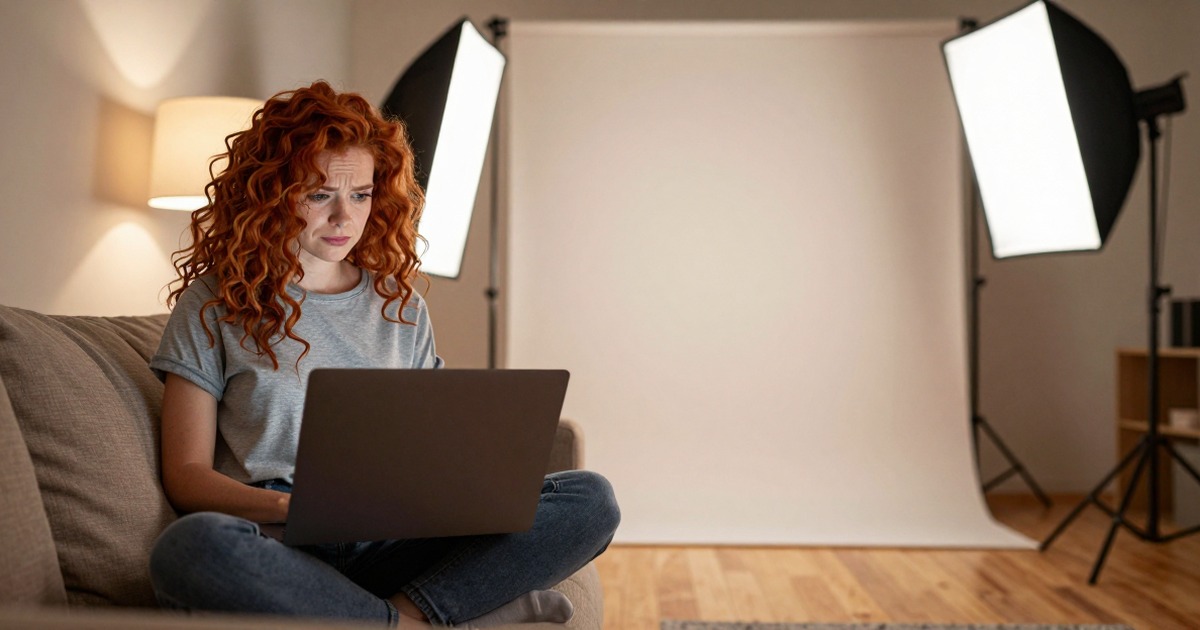
You followed the instructions. Ten to twenty photos, different angles, decent lighting. You hit generate. And the results look like a wax figure of someone who shares your general complexion.
Before you write off AI headshots entirely, the problem is fixable. The gap between "bad results" and "usable results" is usually one or two specific things you can change about your input photos. Here's a systematic way to figure out what went wrong and how to get results worth using.
[IMAGE: hero | frustrated person looking at laptop screen showing AI headshot results that look artificial and wrong | alt: Getting bad AI headshot results troubleshooting guide]
The input quality hierarchy
AI headshot quality depends on your input photos in a very specific order of importance:
1. Lighting quality matters most. A well-lit phone photo beats a poorly-lit DSLR photo every time. The AI needs to accurately read your facial geometry, skin texture, and coloring. Bad lighting hides all three. Natural window light or overcast outdoor light gives the AI the cleanest data to work with.
2. Angle variety is second. If all your photos are straight-on selfies at arm's length, the AI only knows what your face looks like from one perspective. It has to guess the rest.
Those guesses are where the "not quite right" feeling comes from. Include three-quarter angles, slight tilts, and at least one or two photos from slightly above or at true eye level.
3. Expression consistency is third. Upload photos with the expression you want in the final headshot. If nine photos show you laughing and one shows a neutral face, the AI weights the laughing data heavily. You'll get a headshot with an expression somewhere between your natural resting face and a full smile, which looks like neither.
4. Photo recency matters more than people think. If your uploads span multiple years, different hairstyles, or significant weight changes, the AI tries to blend all of those versions of you. The result is an averaged face that matches none of them. Keep all uploads within the same 3-6 month window.
Diagnosing specific problems
"The face shape is wrong"
Your uploads probably lack angle variety. The AI is guessing your bone structure from flat, front-facing photos. Add three-quarter views and slight tilts. If you have a strong jawline, make sure at least one photo shows it clearly from a slight angle.
"The skin looks plastic or waxy"
Two likely causes. First: your uploads may have beauty mode or smoothing filters enabled. Many phone cameras apply these by default. Check your camera settings and turn off any "beauty" or "AI enhancement" features before taking new photos.
Second: the platform's model may over-smooth by design. Some generators optimize for "polished" at the expense of realistic skin texture. If the problem persists with filter-free photos, try a different platform.
"The eyes don't look right"
Eyes are the hardest feature for AI to get right because they carry the most emotional information. Common issues: wrong color, wrong shape, asymmetry that doesn't match yours, or a "dead" look where the eyes don't seem to focus on anything.
The fix for most of these: upload close-up photos where your eyes are clearly visible, well-lit, and making direct eye contact with the camera. Avoid sunglasses photos, squinting photos, or photos where you're looking away.
"It added or removed my glasses"
If you wear glasses in some uploads but not others, the AI doesn't know which version of you to generate. Pick one. If you wear glasses daily, upload all photos with glasses. If you want a headshot without glasses, upload all photos without them.
"The background is distracting or weird"
Most AI headshot generators replace the background entirely, but some blend elements from your upload backgrounds into the result. If you uploaded photos with cluttered backgrounds, bright patterns, or mixed indoor/outdoor settings, try re-uploading with plain, neutral backgrounds.
"It looks like a completely different person"
This usually means one of three things: too few photos, too much variety across time periods, or the platform just isn't very good. The AI either didn't have enough data or it averaged incompatible versions of you.
Try the minimum viable fix first: upload 15+ photos from the same week, same hairstyle, same conditions. If it still generates a stranger, that's a platform problem, not a you problem.
[IMAGE: grid 2 | comparison of AI headshot from bad input photos showing waxy skin and wrong proportions vs AI headshot from good input photos showing natural realistic result | alt: Bad input vs good input AI headshot results comparison]
The upload photo checklist
Before hitting generate, run through this list:
- All photos from the same 3-month period
- At least 3 different angles (front, three-quarter left, three-quarter right)
- At least 2 different lighting conditions (window light, outdoor, etc.)
- No beauty mode or smoothing filters on any photo
- Preferred expression in at least 60% of photos
- Glasses consistent (all on or all off)
- Hair consistent across all photos
- Clear, sharp focus on the face (not blurry selfie arm-length shots)
- No heavy makeup or dramatic styling changes between photos
- Resolution at least 1000px on the short side
Missing three or more of these items is why your results look off.
What to do when the results are close but not right
If the headshot looks roughly like you but something is slightly off, most platforms let you regenerate. Before regenerating:
Swap out your weakest 3-4 photos. Look at your uploads critically. Which ones have the worst lighting? The most motion blur? The least helpful angle? Replace them with better alternatives.
Adjust your expression ratio. If you wanted a slight smile but uploaded too many serious-face photos, add more smiling ones. Or vice versa.
Try a different style option. Many platforms offer style presets (corporate, creative, casual). Different styles apply different post-processing, and one may handle your features better than others.
Regenerate 2-3 times. AI generation has a randomness component. The same inputs can produce noticeably different results. If run one looks off but run two looks great, that's normal.
When to admit the platform isn't right for you
Every AI headshot generator has blind spots. Some handle darker skin tones poorly. Some struggle with glasses. Some over-smooth mature faces. Some can't handle beards or unusual hairstyles.
If you've uploaded a strong set of photos, regenerated multiple times, and the results still don't look like you, the platform might just not be built to handle your specific features well. That's not a reflection of you. It's a limitation of that particular model's training data.
Narkis.ai trains on your specific photos and optimizes for likeness accuracy over generic flattery. But even we'd tell you: if any platform consistently gets your face wrong after good inputs, try another one. The right tool for your face is the one that produces results your friends recognize.



